 PKI Manager
Automation and API
Everything in the web UI is also in a REST API. Scripts and services get their own token, bound to one CA.
What you can do
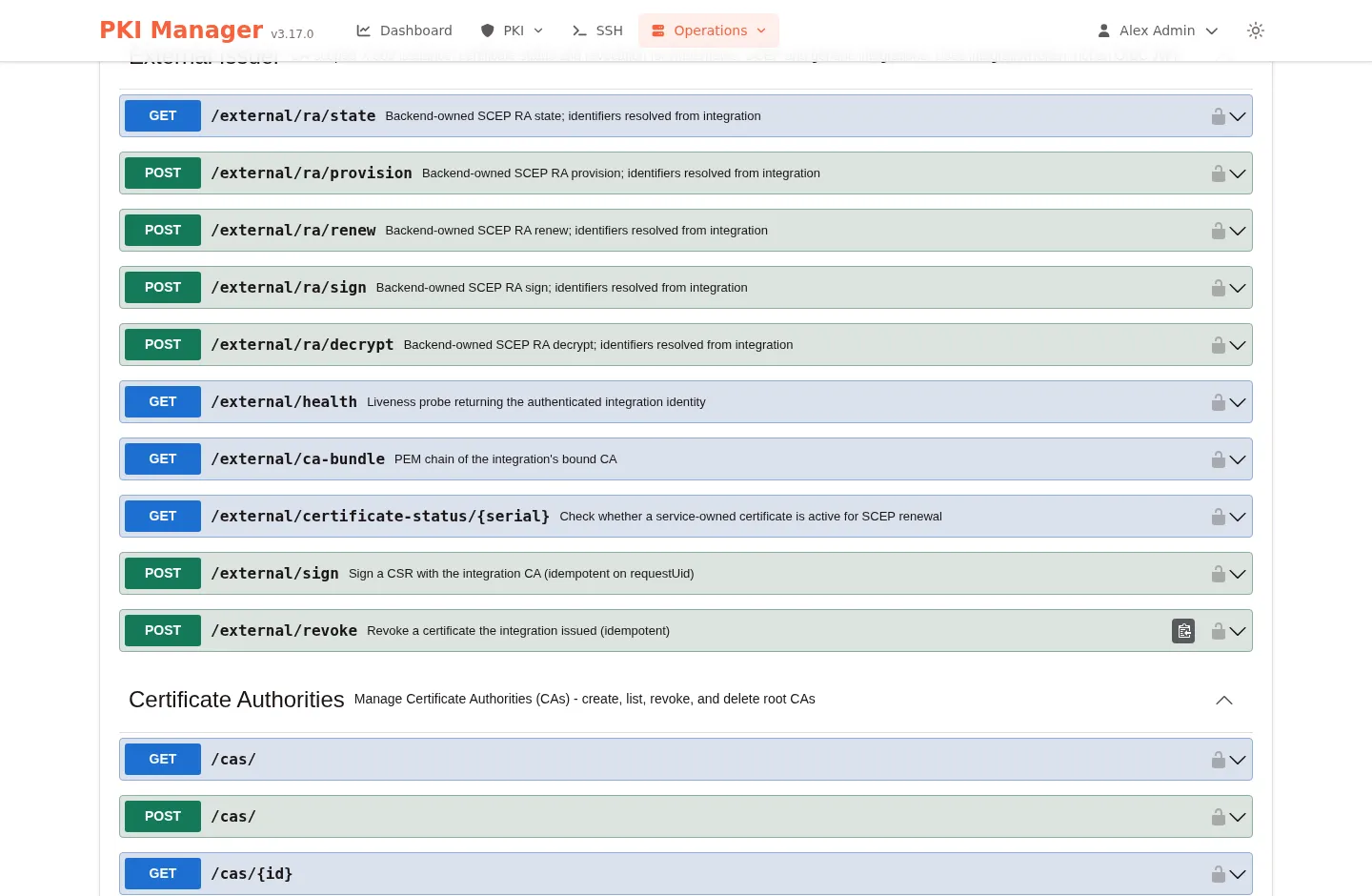
- Call a REST API with about 100 operations for CAs, certificates, bulk operations, revocation lists, the audit log and the SSH certificate authority.
- Read the API description inside the product: an OpenAPI 3.1 document and a Swagger page where you can try each call.
- Create an integration: a named identity for a script or a service, with a token that works for one CA only. You see when it was last used, and you can revoke it at any time.
- Sign a certificate signing request (CSR) with that token. The private key stays where the CSR was made.
- Revoke a certificate and ask if it is still valid, with the same token.
- Download reports as CSV: certificate inventory, revocations and CA operations.
How it works
A person uses the API with the access token of the login (OIDC). A script uses the token of its
integration, which starts with pkimg_. PKI Manager stores only a hash of that token and shows
the token once.
A signing request is checked before it is signed: the signature of the CSR, the key (RSA 2048 to 8192 bits, or ECDSA P-256 or P-384), and the extensions. A CSR that asks to be a CA is refused. The validity is up to 825 days.
Each signing request has an id. A repeated request with the same id gets the same certificate.
What it does not do
- A token has no expiry date. To rotate it, create a new integration and revoke the old one.
- A token gives all the integration operations for its CA. There are no finer permissions.
- The certificate API has no rate limit of its own. Put a reverse proxy in front of it.
- The API that the web UI itself uses (
/trpc) is internal and can change between versions.