 PKI Manager
What PKI Manager does
Eight capabilities. Each page says what you can do, how it works, and what it does not do.
Certificates for servers, services and people
Your own X.509 certificate authority, from the root CA to the revocation list.
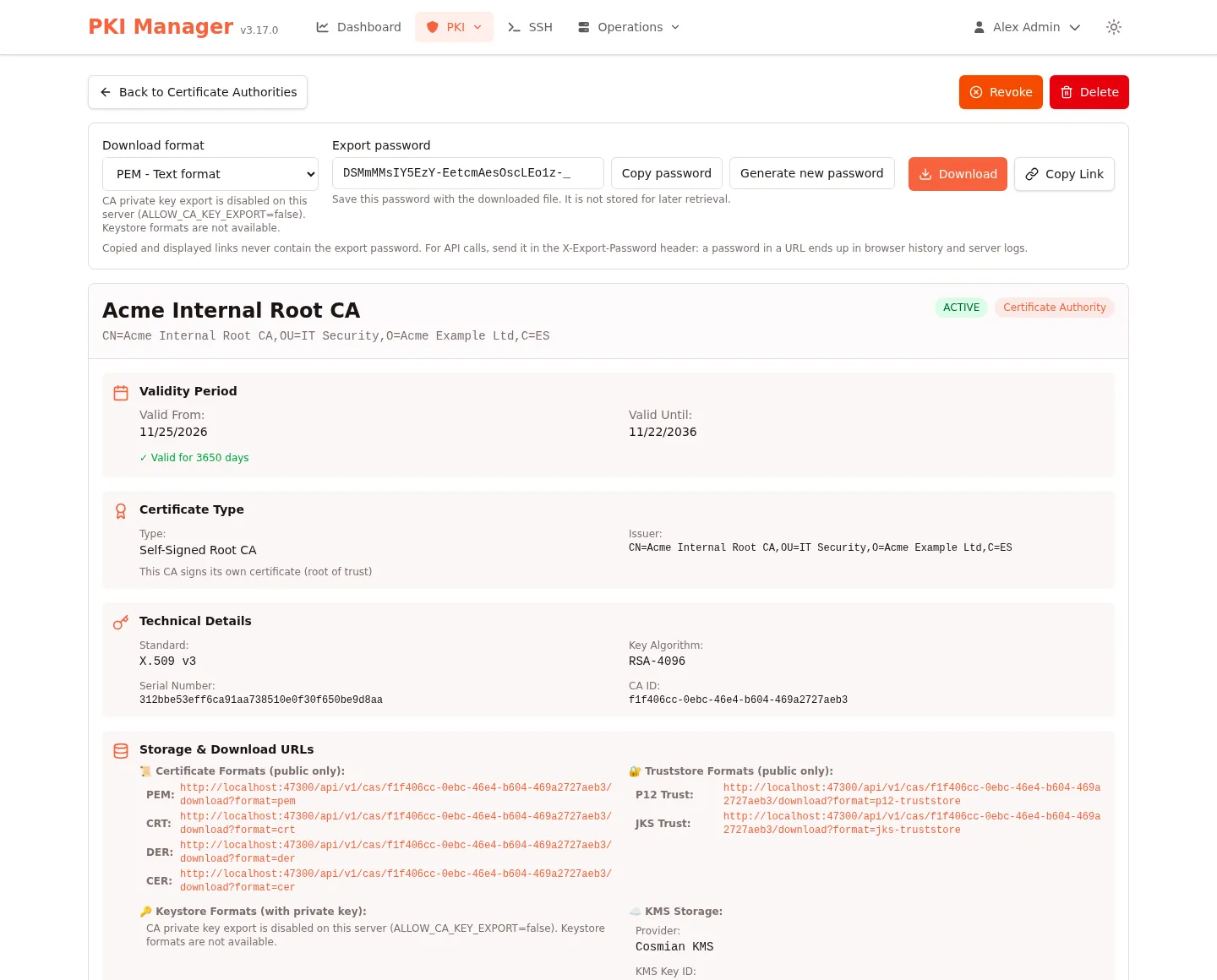
Certificate authorities
Create your own root certificate authorities. The key of each CA is made inside the KMS and stays there.
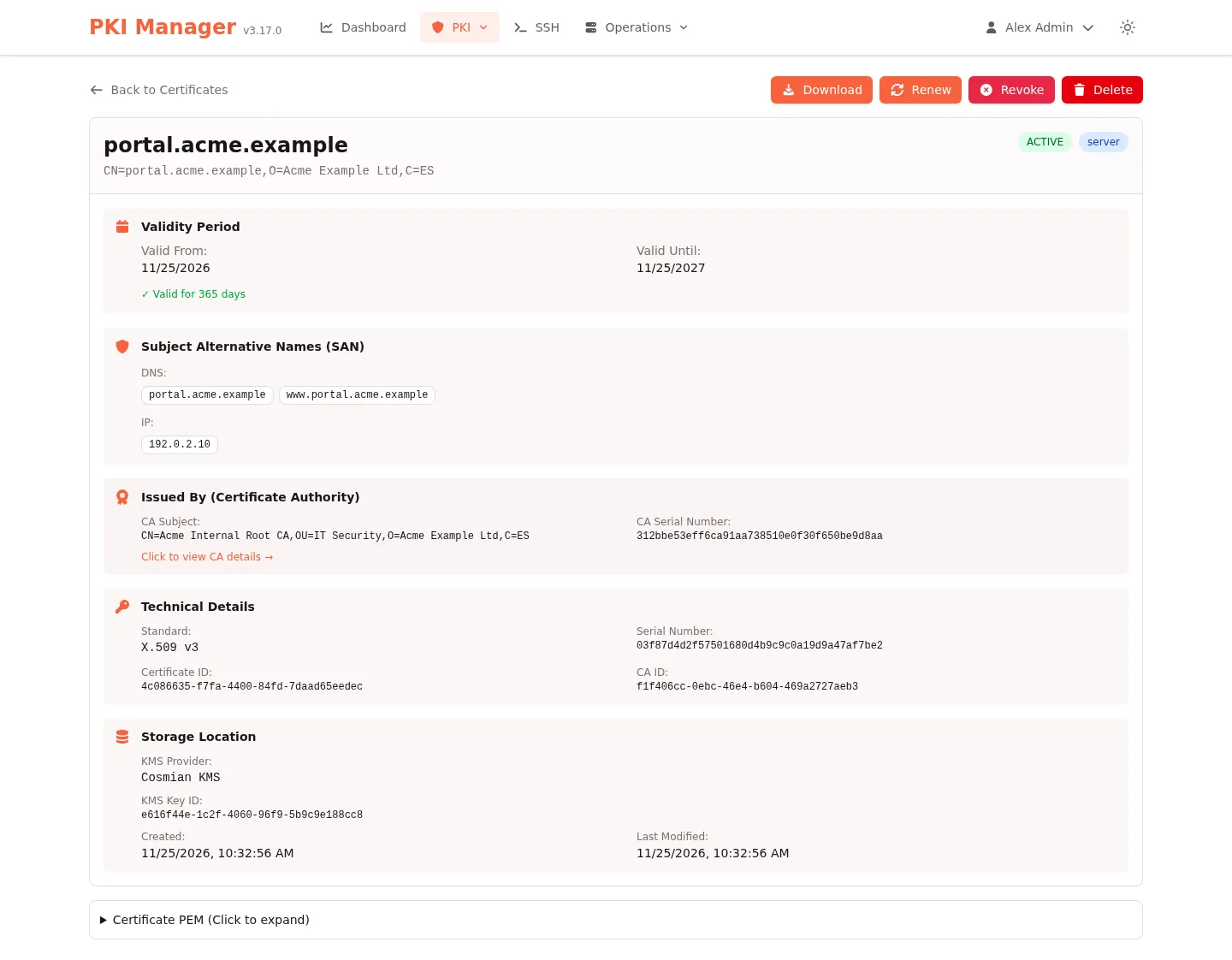
Certificates
Issue, renew and download certificates for servers, clients, email and code signing, one at a time or many at once.
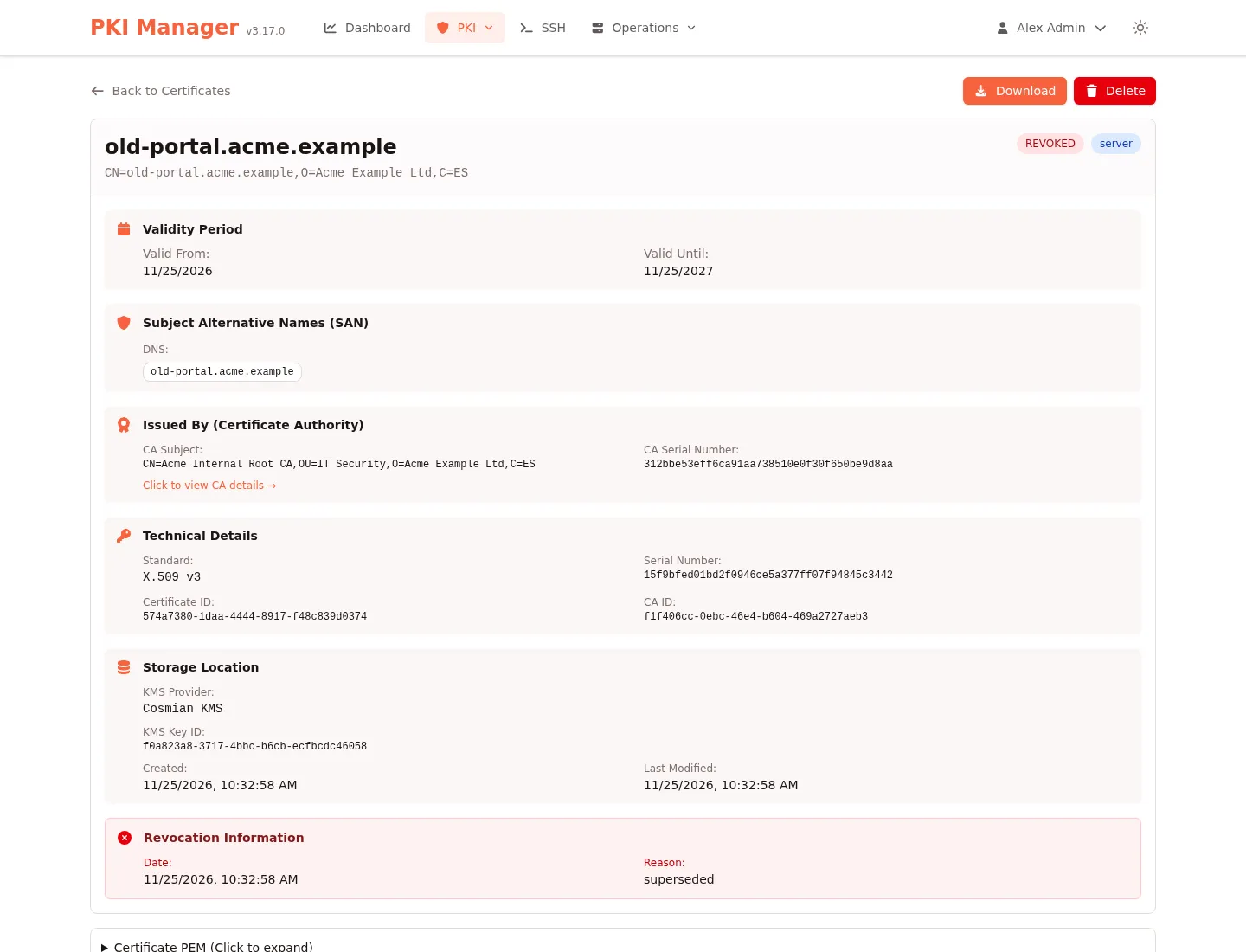
Revocation and CRLs
Revoke a certificate and publish a signed revocation list that servers and clients can check.
SSH access with certificates
A certificate authority for SSH logins, so that servers trust people and people trust servers without copying keys.
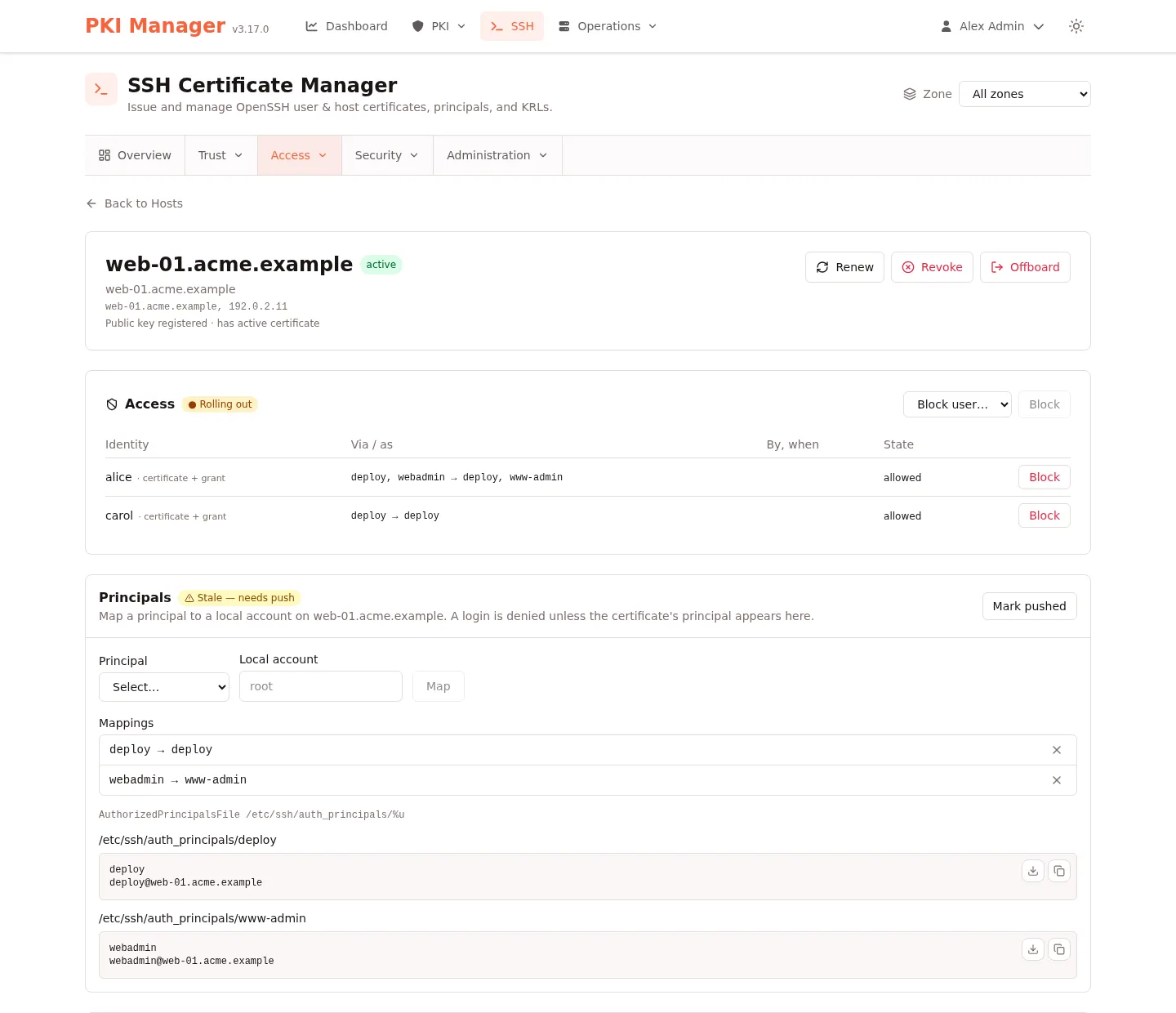
SSH certificate authority
Sign SSH certificates for people and for servers. Servers trust a CA, not a list of public keys, and clients trust a CA, not a fingerprint.
Machines that ask by themselves
Kubernetes, devices and scripts request certificates with a token. No person clicks.
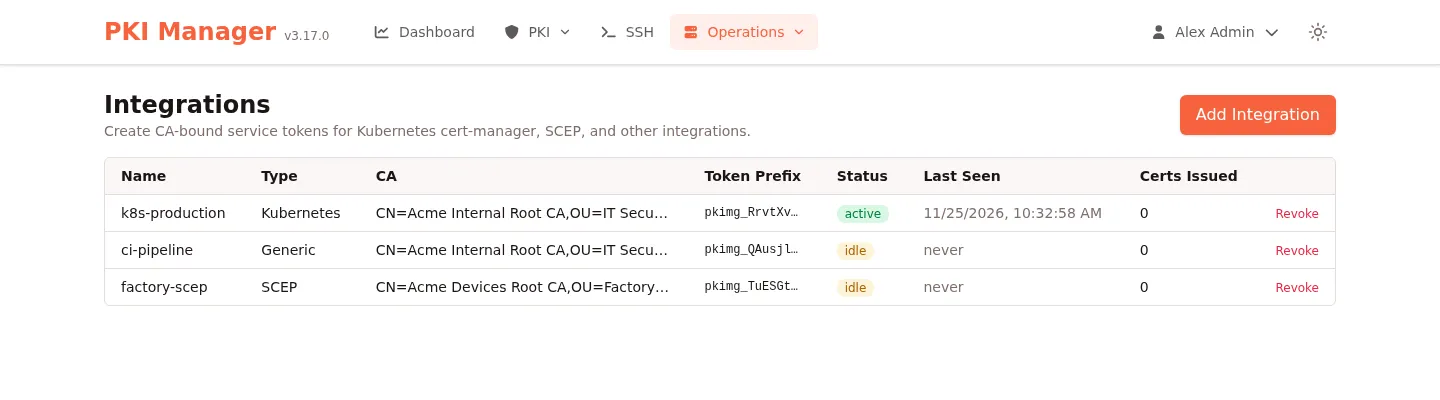
Kubernetes with cert-manager
cert-manager asks PKI Manager for certificates. Your cluster gets certificates from your own CA and renews them without you.
Device enrollment (SCEP)
An optional SCEP gateway lets managed phones, laptops and network devices enroll for a client certificate.
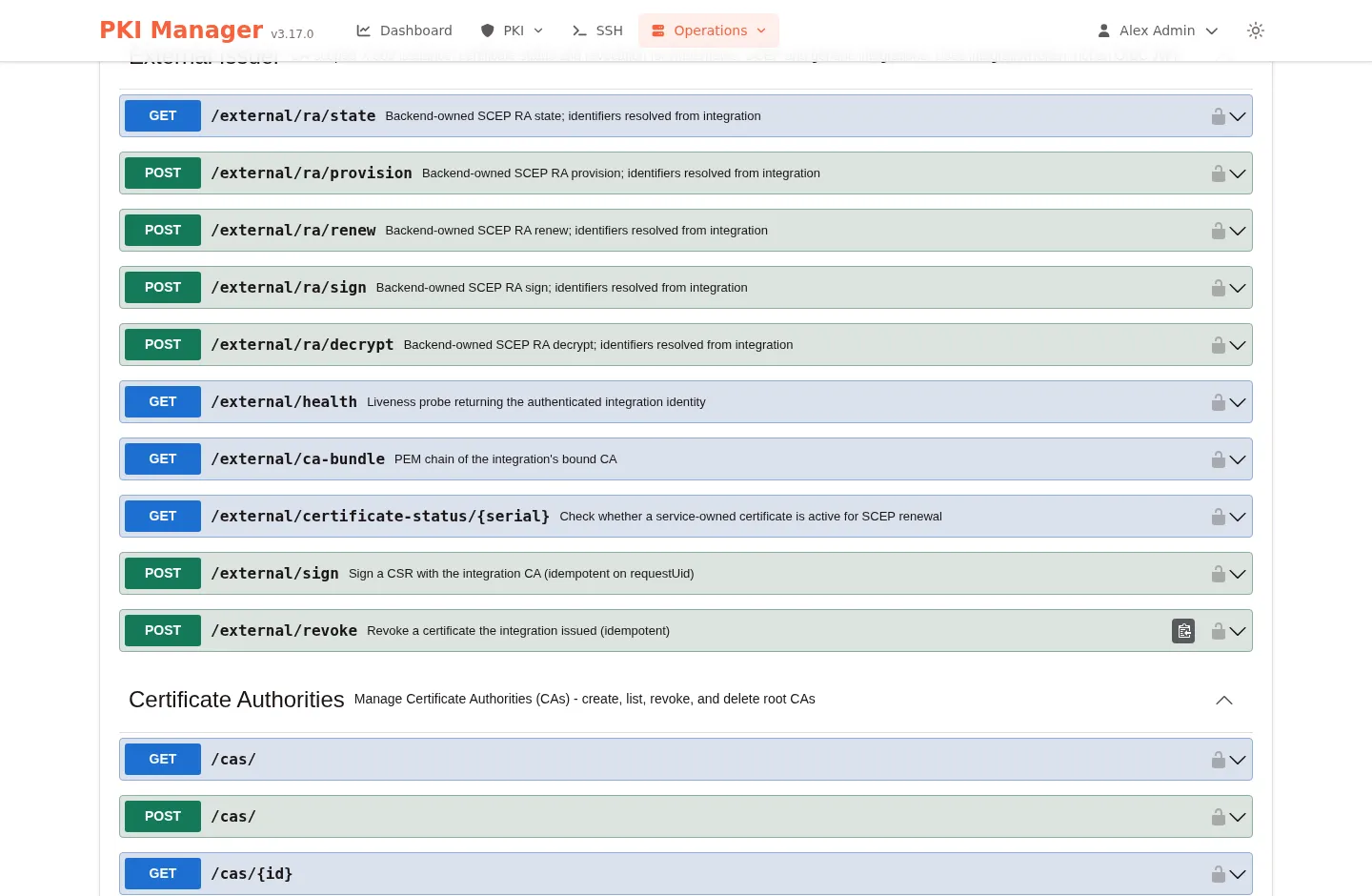
Automation and API
Everything in the web UI is also in a REST API. Scripts and services get their own token, bound to one CA.
Keys, login and records
Where the private keys live, who can do what, and how you find out who did it.
Keys, login and audit
Private keys live in a KMS, people log in with your identity provider, and each change is written to an audit log.